Your TV remote, right in your pocket
RemotAI turns your phone into a remote for your smart TV. No batteries, no searching between the sofa cushions, just Wi-Fi.
Works with your TV
Why people use it
One remote for every TV in the house
Pick your TV from the list and start controlling it. Switch between the living room and the bedroom TV in a tap.
-
Just Wi-Fi, no IR blaster
Works on any phone. RemotAI finds your TV on your home Wi-Fi and connects in seconds.
-
Works with most smart TVs
Samsung, LG, Roku, Fire TV and Google TV, plus Sony, TCL and Hisense models that run them.
-
Every button, and more
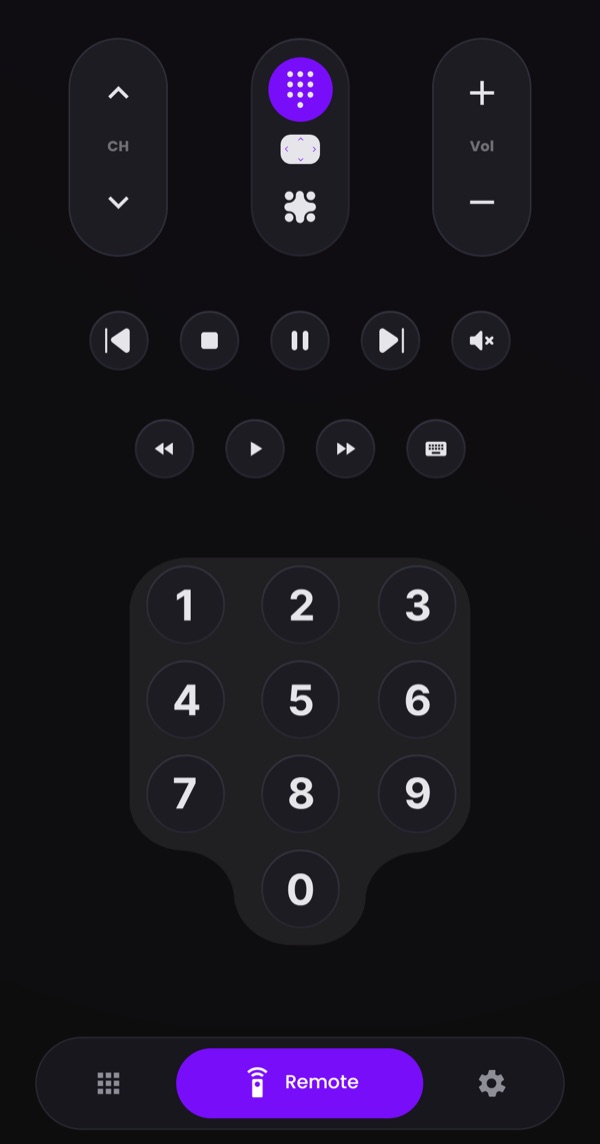
Power, volume, channels and playback, plus a touchpad, a keyboard and a number pad your old remote never had.
Remote
A remote that feels like the real one
A big, easy D-pad with OK in the middle, Back and Exit where your thumb expects them, and volume, channels and playback right above.
Touchpad and keyboard
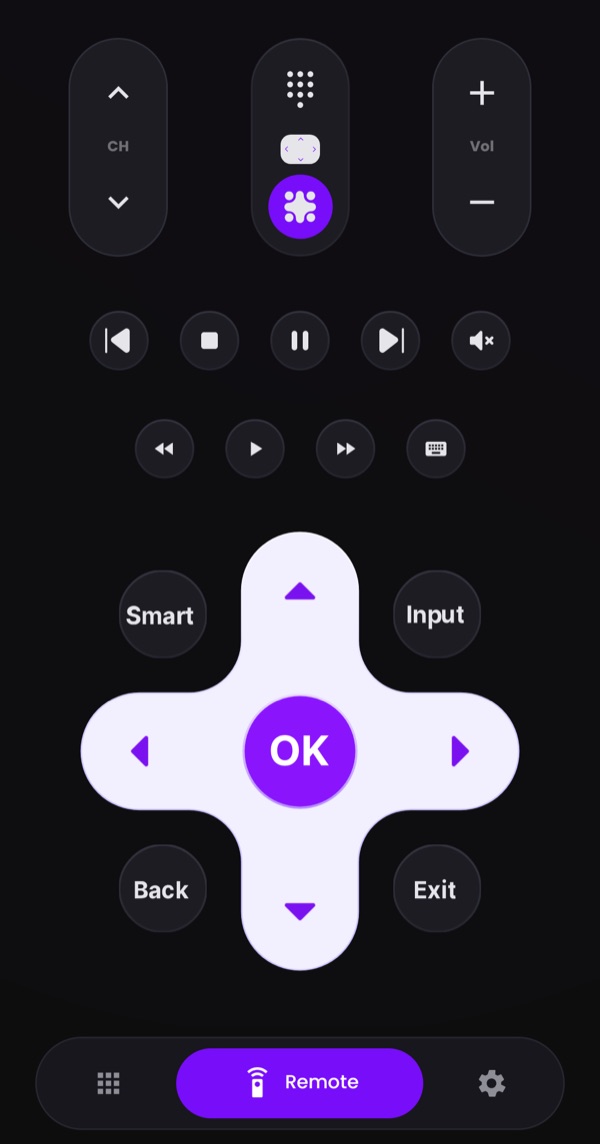
Swipe and type instead of clicking
Glide through menus with the touchpad, and type searches and passwords with your phone's keyboard instead of picking letters one by one.
Number pad
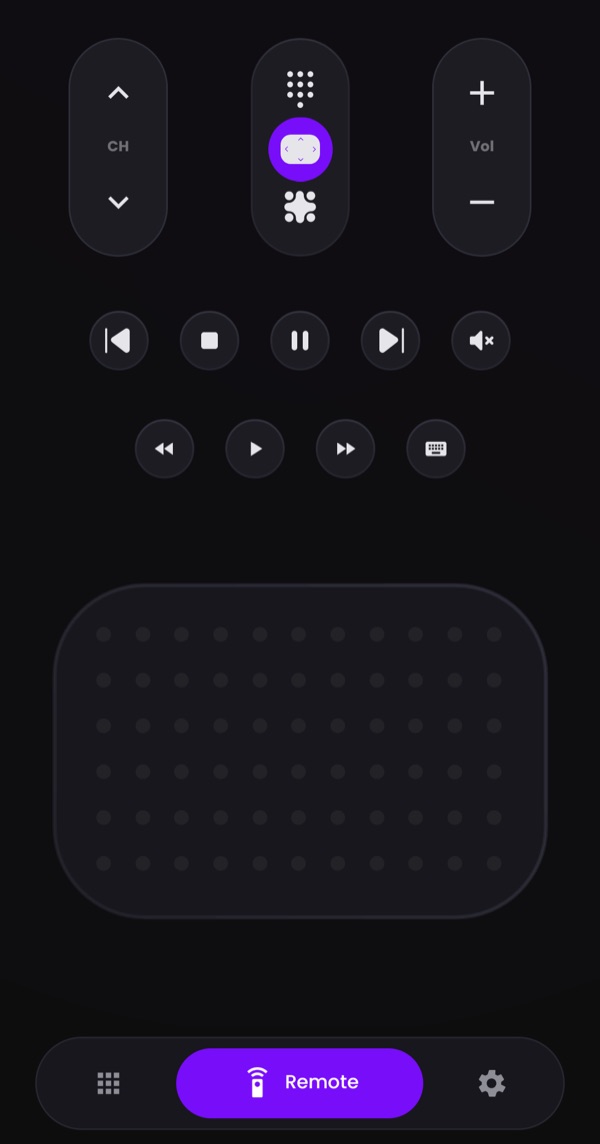
Jump straight to a channel
Switch to the number pad and type the channel you want, just like on a classic remote.
How it works
Connected in under a minute
-
Join the same Wi-Fi
Connect your phone and your TV to the same Wi-Fi network, and turn the TV on.
-
Pick your TV
Open RemotAI and tap your TV in the list of TVs it finds nearby.
-
Start controlling
Allow the connection on the TV the first time, and your phone is now its remote.
FAQ
Questions, answered
The things people usually ask before they install.
Still stuck? Email us and we'll help.
RemotAI works with Samsung, LG, Roku, Fire TV and Google TV / Android TV, including Sony, TCL and Hisense models that run Google TV or Roku.
No. RemotAI talks to your TV over Wi-Fi, so it works on any phone. Your phone and TV just need to be on the same Wi-Fi network.
Make sure the TV is on and connected to the same Wi-Fi as your phone. If it still doesn't show up, unplug the TV for 10 seconds, plug it back in and wait for it to appear in the list.
The first time you connect, some TVs show a PIN or ask you to allow the phone. Type the PIN in the app or choose Allow on the TV. You only do this once per TV.
Yes, you can download RemotAI and use the remote for free. An optional Premium subscription removes the ads. You can cancel it at any time in your Google Play account.
Yes. Open a search or text field on the TV, then tap the keyboard button in RemotAI and type with your phone's keyboard.